image → prompt → image
Image to prompt: read the prompt behind any image.
Drop in a picture and PixToPrompt reverse-engineers the exact prompt that makes it — formatted for Midjourney, Flux, Gemini and beyond. Then remix it into something new.
Free & instant — no sign-up to get prompts
The workbench
Upload once. Get every model's version.
One analysis, formatted for the model you actually use — copy it, or generate the image right here.
Your image
Or try one
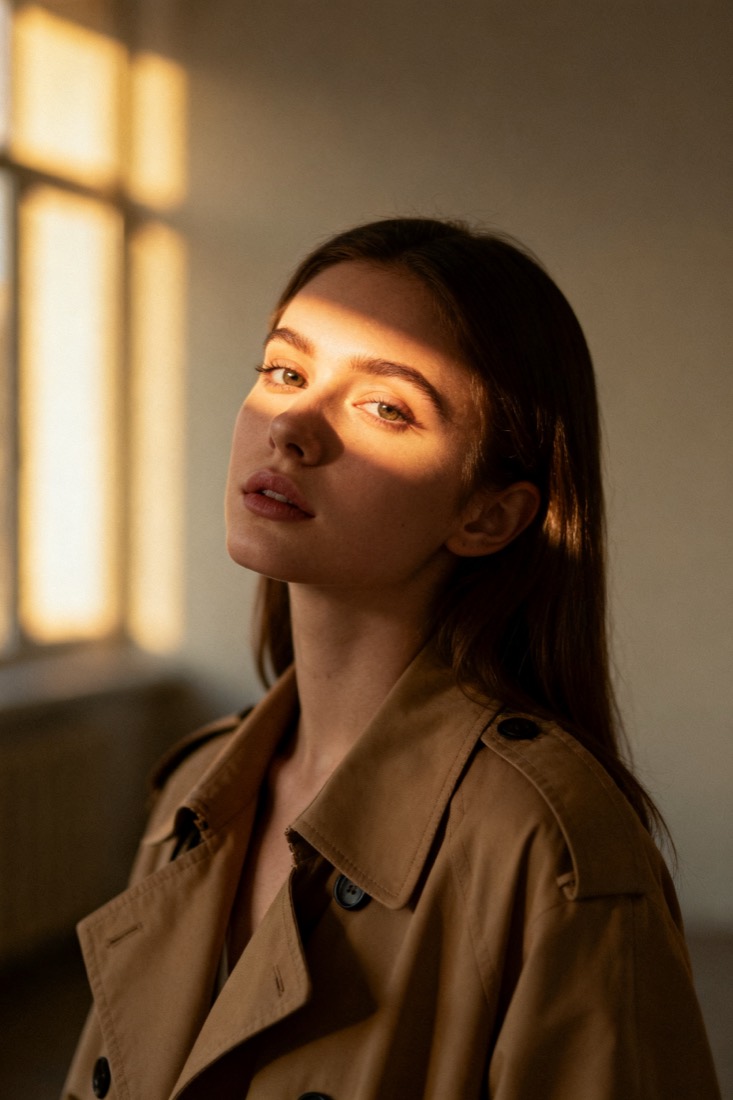
A cinematic waist-up portrait of a young woman in a beige trench coat, lit by soft window light, muted earth tones, shallow depth of field, shot on an 85mm lens.
Subject
woman, beige trench coat
Composition
waist-up, centered
Lighting
soft window light
Style
cinematic, muted
Camera
85mm, f/1.8
Negative
blur, extra fingers
Proof
The prompt rebuilds your image.
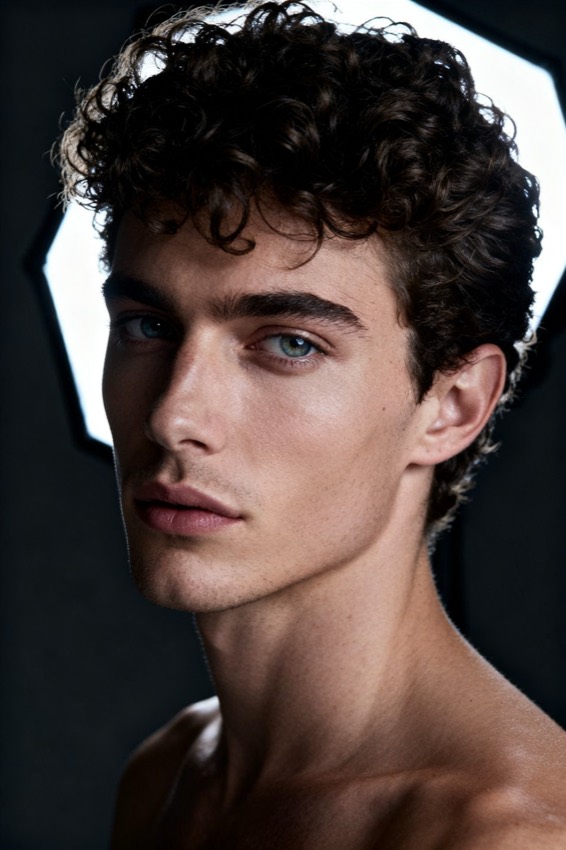
Every prompt comes with a recreation, side by side with your original — so you know it works before you use it.
Prompt library
Steal from a gallery of working prompts.
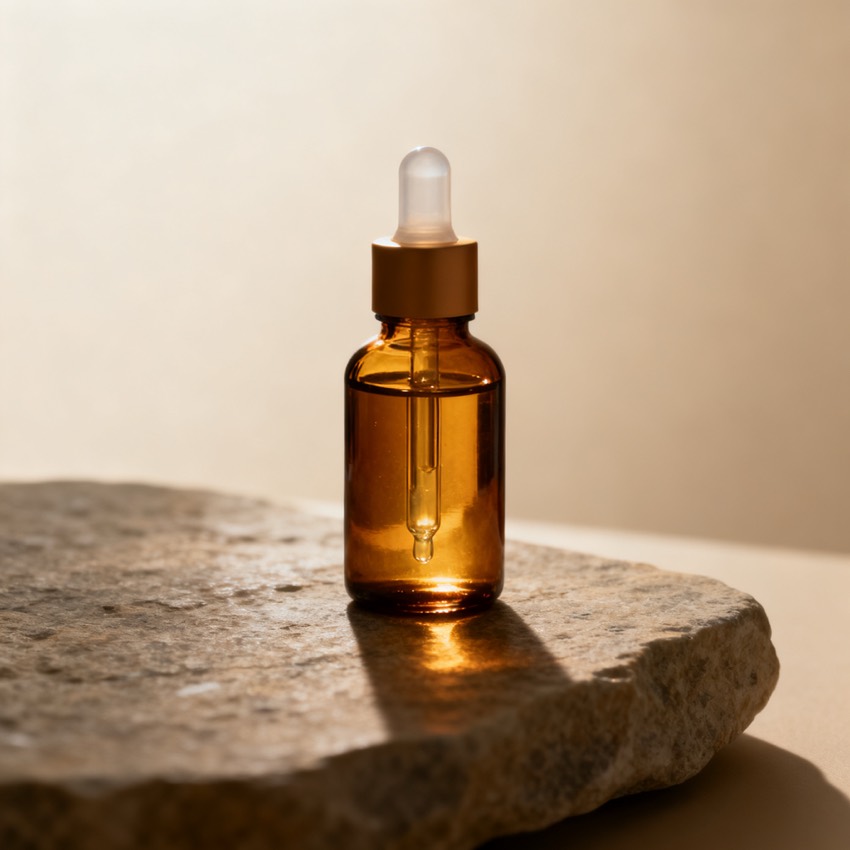
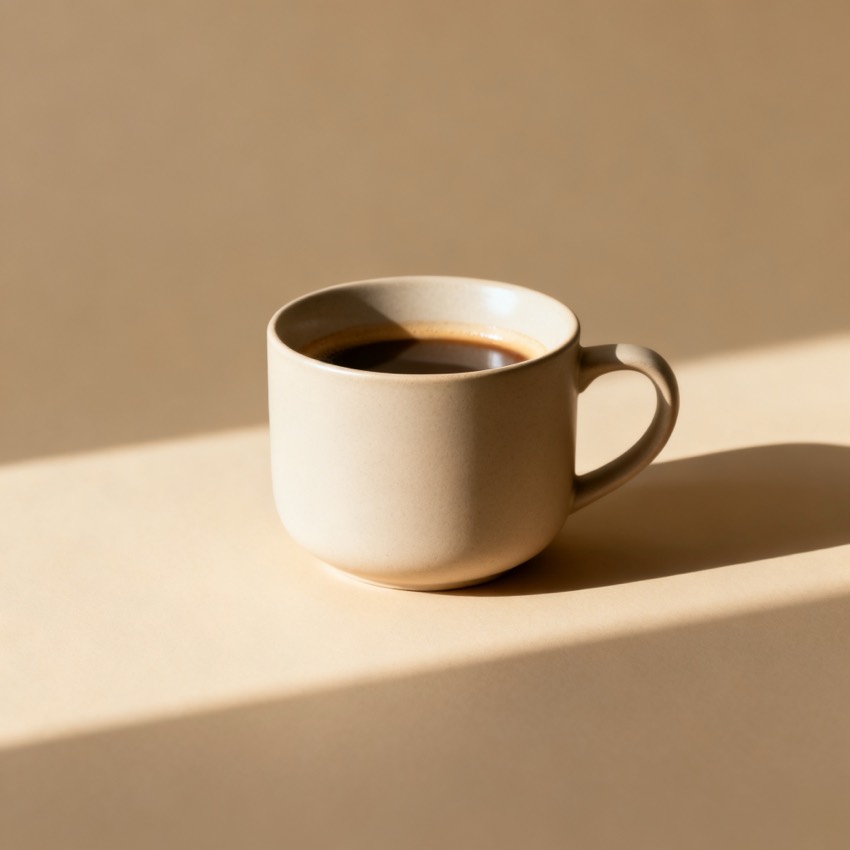
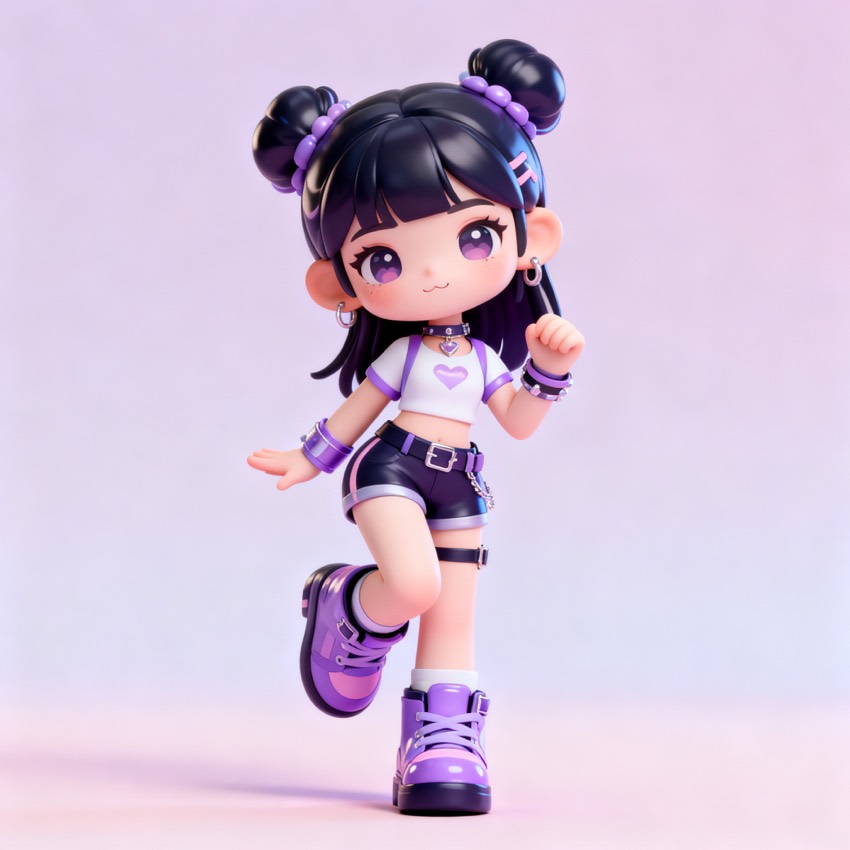
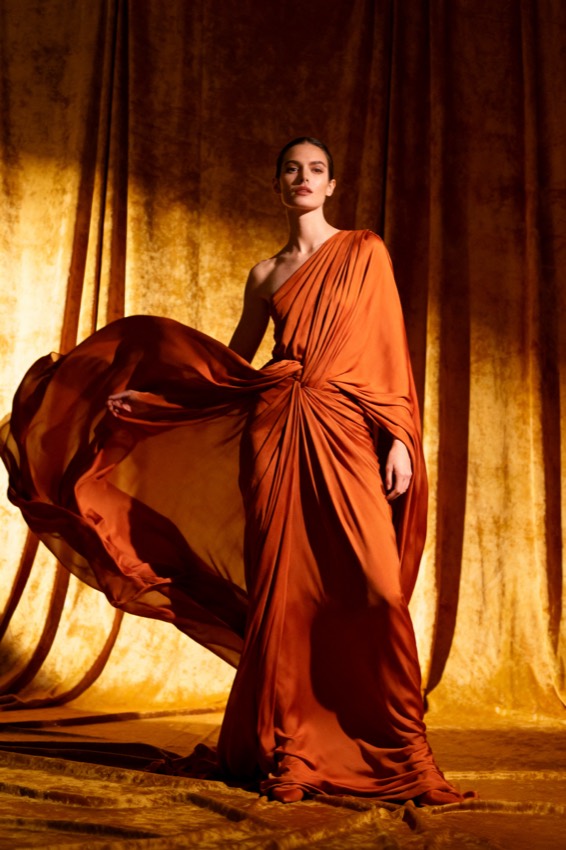
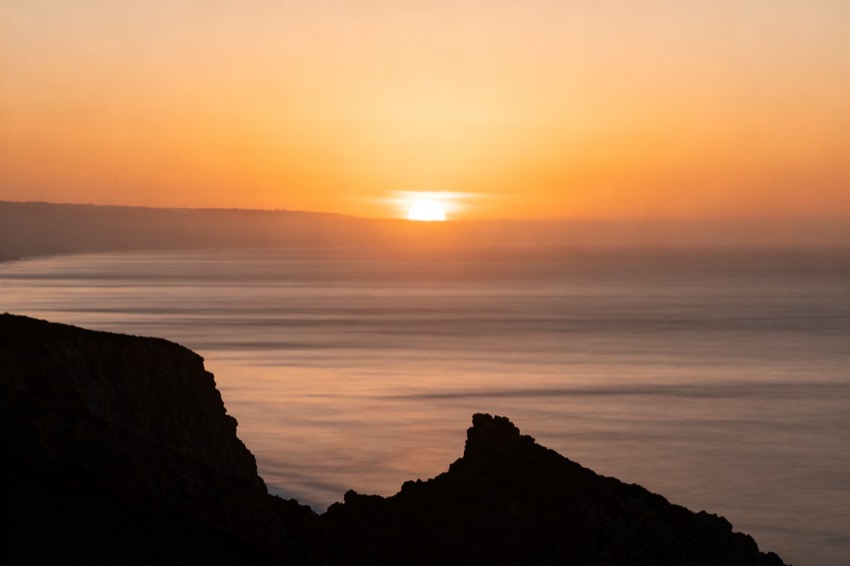
Browse by look, model and subject. Tap any image to load its prompt into the workbench.
Reverse prompts, explained
What is image to prompt?
An image to prompt tool does the reverse of a normal AI image generator: instead of turning words into a picture, it reads a picture and writes the words.
Upload any image — a photo, a render, or a screenshot of a style you like — and PixToPrompt reverse-engineers a clean, copy-paste prompt that recreates it. Under the hood the analysis breaks the picture into the same building blocks a prompt engineer would reach for: subject, composition, lighting, colour palette, camera and lens, art style, mood, and the negatives to avoid. You get each of those as an editable field plus one ready prompt, formatted for the model you actually use.
How it works
How it works, in three steps
- 1
Upload or paste your image
Drop in a PNG, JPG or WebP, or paste an image URL. Nothing to install, and no account is needed to read a prompt.
- 2
Read the prompt
The analysis engine extracts eight structured fields — subject, composition, lighting, colour, camera, style, mood and negatives — and assembles them into one prompt. Switch the model tab to reformat instantly.
- 3
Copy it, or generate to verify
Copy the prompt into any model, or generate the image right here first — the recreation proves the prompt matches before you rely on it.
Every model
Image to prompt for Midjourney, Flux, Gemini, SD, DALL·E & ChatGPT
One analysis, every format. Each model reads prompts differently, so the tool rewrites the same fields into the syntax that model expects.
- Midjourney
- Appends --ar, --style raw, --v and stylize weights so the prompt drops straight into /imagine.
- Flux
- Natural-language, detail-rich phrasing tuned for photorealistic output.
- Stable Diffusion
- Weighted tags plus a separate negative-prompt block for open pipelines.
- DALL·E & ChatGPT
- Plain conversational phrasing that the chat models follow most reliably.
- Gemini / Nano Banana
- Instruction-style editing prompts that keep faces and products consistent.
Who it's for
Who uses a reverse-prompt tool?
- Designers & marketers
- Reverse-engineer a reference or a competitor's visual into a brief your team can reuse across every channel.
- AI artists
- Take any look apart, study why it works, then remix it across models with proof it still lands.
- Content creators
- Match a trending style for thumbnails and social posts in seconds instead of guessing at keywords.
- Developers
- A predictable, structured prompt format you can wire into your own pipeline (API in Phase 2).
Pick the right page
Image to prompt vs. image describer vs. prompt generator
All three start from an image, but the output differs. This tool and the AI image prompt generator both hand you a model-ready prompt — the exact words to recreate or remix any picture. The image describer instead writes a plain-language description of what is in the image, for alt text, accessibility and cataloguing. Not sure which you need? Start here — you can copy a prompt now and switch to a description any time.
FAQ
Questions, answered
- Is it free?
- Reading prompts is completely free with no sign-up — upload as many images as you like. You only need a free account to generate images (a few are on us to start), because that runs on GPUs.
- What does the tool do?
- It is the reverse of a text-to-image generator: instead of turning words into a picture, it reads a picture and writes the prompt that recreates it — as editable fields and one copy-paste prompt.
- Which models are supported?
- Midjourney, Flux, Stable Diffusion, DALL·E, Gemini / Nano Banana and ChatGPT. One analysis is reformatted for each — switch the model with one tap, no re-upload.
- How accurate is the prompt?
- Every prompt comes with a recreation shown side by side with your original, so you can judge the match before you use it — no other reverse-prompt tool ships this proof step.
- What can I upload?
- PNG, JPG and WebP files up to 10MB, or an image URL. Screenshots of a style you like work fine too.
- Can I use the prompts commercially?
- Yes — the prompts and any images you generate are yours to use. Always check the terms of the destination model for its own output policy.
- Do you keep my images?
- No. Uploaded images are processed to build your prompt and then deleted automatically. They are never used to train models.
- What can I do after I get the prompt?
- Copy it into any model, or generate right here: the first run recreates your original, then you can make variations, remix the subject, or upscale to HD.