Free AI image prompt generator
AI image prompt generator
Turn any reference image into a polished, model-ready image prompt — free, instant, no sign-up.
Free & instant — no sign-up to get prompts
The workbench
Upload once. Get every model's version.
One analysis, formatted for the model you actually use — copy it, or generate the image right here.
Your image
Or try one
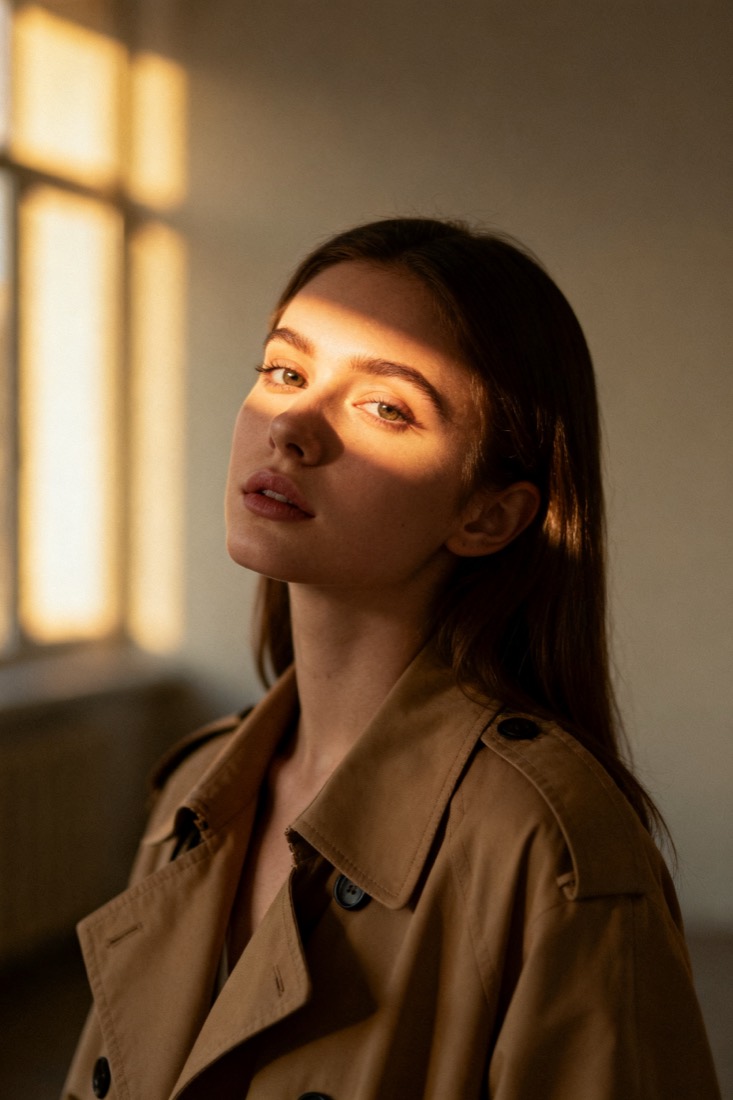
A cinematic waist-up portrait of a young woman in a beige trench coat, lit by soft window light, muted earth tones, shallow depth of field, shot on an 85mm lens.
Subject
woman, beige trench coat
Composition
waist-up, centered
Lighting
soft window light
Style
cinematic, muted
Camera
85mm, f/1.8
Negative
blur, extra fingers
Proof
The prompt rebuilds your image.
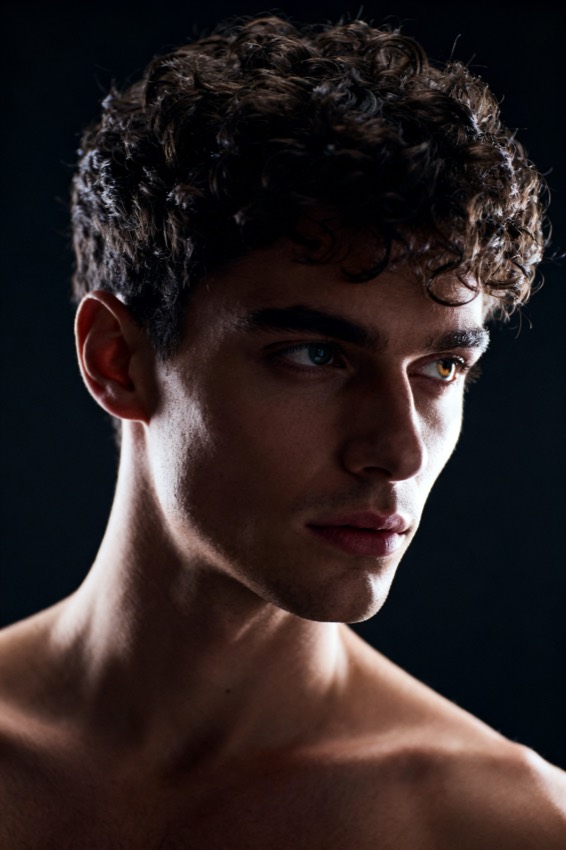
Every prompt comes with a recreation, side by side with your original — so you know it works before you use it.
Prompt library
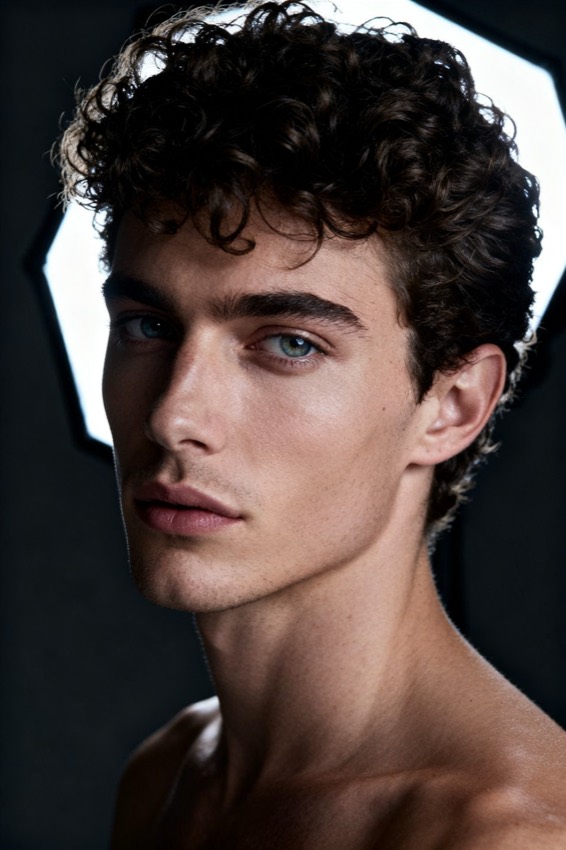
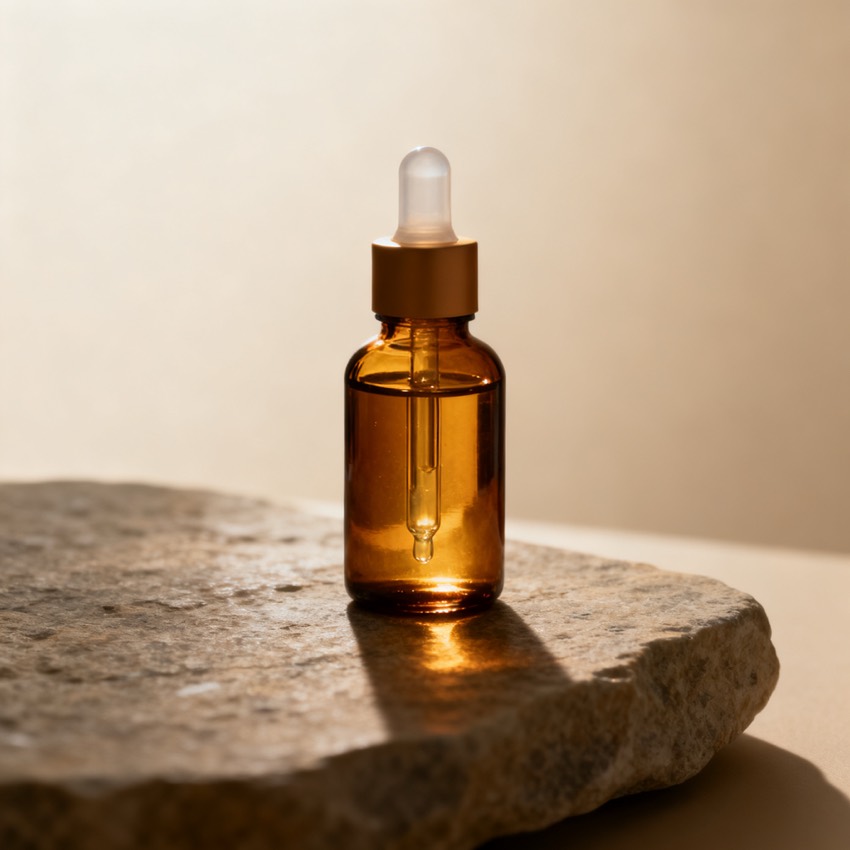
Steal from a gallery of working prompts.
Browse by look, model and subject. Tap any image to load its prompt into the workbench.
Reverse prompting
What is an AI image prompt generator?
An image prompt generator reads a reference image and writes the model-ready prompt that recreates it — the reverse of typing words and hoping for a match.
Instead of guessing keywords, you hand the picture to the tool and it does the prompt engineering for you. PixToPrompt's prompt generator analyses the reference, isolates the elements that actually drive a result — subject, composition, lighting, colour, camera and lens, style, mood, and negatives — and assembles them into one clean, copy-paste prompt. Every prompt ships with a before/after recreation so you can see the match before you trust it, which is the difference between a real prompt generator and a wall of generic adjectives.
How it works
Generate a prompt from an image in three steps
- 1
Upload your reference
Drop in a PNG, JPG, or WebP, or paste an image URL — a photo, a render, or a screenshot of a look you want. No sign-up is needed to read the generated prompt.
- 2
Get the structured prompt
The image prompt generator breaks the picture into editable fields and assembles them into one prompt. Tweak any field and the prompt updates so you stay in control of the result.
- 3
Pick your model and copy
Switch the model tab to reformat instantly, then copy the prompt into Midjourney, Flux, Gemini, or DALL·E — or generate right here to verify the recreation first.
Every model
One analysis, a prompt per model
Each model reads prompts differently, so the generator rewrites the same fields into the syntax that model expects.
- Midjourney
- Appends --ar, --style raw, --v, and stylize weights so the generated prompt drops straight into /imagine without hand-editing.
- Flux
- Detail-rich natural-language phrasing tuned for photorealistic output, with the lens and lighting cues spelled out in full sentences.
- Stable Diffusion
- Weighted tags plus a separate negative-prompt block, ready to paste into Automatic1111, ComfyUI, or any open pipeline.
- Gemini / Nano Banana
- Instruction-style editing prompts that keep faces and products consistent when you remix an existing photo rather than start from scratch.
- DALL·E & ChatGPT
- Plain conversational phrasing the chat models follow most reliably, with no syntax the model would otherwise ignore.
Who it's for
Who uses an image prompt generator?
- Designers & marketers
- Turn a reference or a competitor's visual into a reusable brief, then carry the same prompt across every channel and campaign.
- AI artists
- Take a look apart, study why it works, and remix it across models — with a recreation proving the prompt still lands each time.
- Content creators
- Match a trending style for thumbnails and social posts in seconds instead of guessing at which keywords the model wants.
- Developers
- Generate a predictable, structured prompt format you can wire into your own pipeline once the API ships in a later phase.
Pick the right page
Prompt generator vs. describer vs. photo to prompt
This page generates a model-ready prompt from any reference. If you just need a plain-language description for alt text or cataloguing, use the image describer and photo to prompt instead — the describer writes what is in the picture, while photo to prompt is tuned for real photographs you want to recreate down to the lighting and lens. All three start from the same upload.
FAQ
AI image prompt generator questions
- What does an AI image prompt generator do?
- It is the reverse of a text-to-image model: instead of turning words into a picture, it reads a picture and generates the prompt that recreates it — as editable fields plus one copy-paste prompt.
- Is it free to generate a prompt?
- Yes. Generating and reading the prompt is free with no sign-up. A free account with a few starter credits is only needed if you want to generate the image here to verify the match.
- Which models can I generate prompts for?
- Midjourney, Flux, Stable Diffusion, DALL·E, Gemini / Nano Banana, and ChatGPT. One analysis is reformatted for each — switch the model with one tap, with no re-upload required.
- How good are the generated prompts?
- Every prompt comes with a recreation shown beside your original, so you can judge the match before you rely on it. That proof step is what separates this from tools that only output adjectives.
- Can I edit the prompt before I use it?
- Yes. The generator exposes every element as its own field — subject, lighting, camera, style, and negatives — so you can adjust one part and the full copy-paste prompt updates around it.
- Do you keep my reference images?
- No. Uploaded references are processed only to generate your prompt, then deleted automatically. They are never stored after the prompt is built or used to train any model.