Free photo to prompt · no sign-up
Photo to prompt
Upload a photo and get a copy-paste prompt that recreates its style, lighting and composition.
Free & instant — no sign-up to get prompts
The workbench
Upload once. Get every model's version.
One analysis, formatted for the model you actually use — copy it, or generate the image right here.
Your image
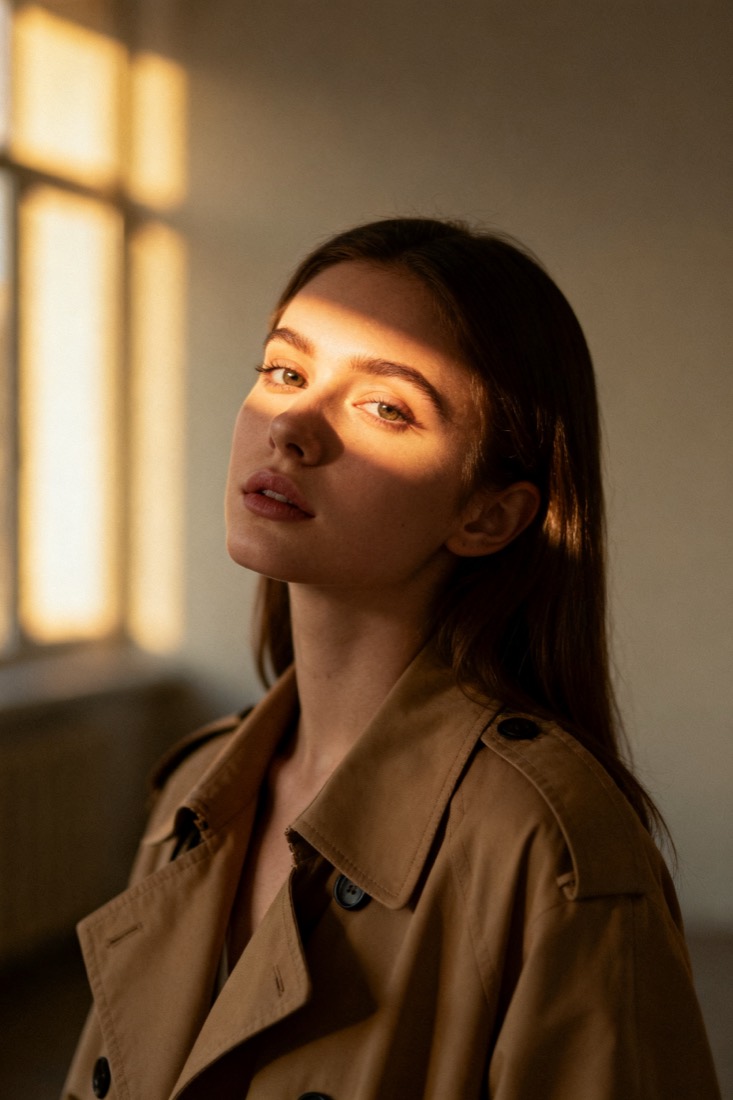
Or try one
A cinematic waist-up portrait of a young woman in a beige trench coat, lit by soft window light, muted earth tones, shallow depth of field, shot on an 85mm lens.
Subject
woman, beige trench coat
Composition
waist-up, centered
Lighting
soft window light
Style
cinematic, muted
Camera
85mm, f/1.8
Negative
blur, extra fingers
Proof
The prompt rebuilds your image.
Every prompt comes with a recreation, side by side with your original — so you know it works before you use it.
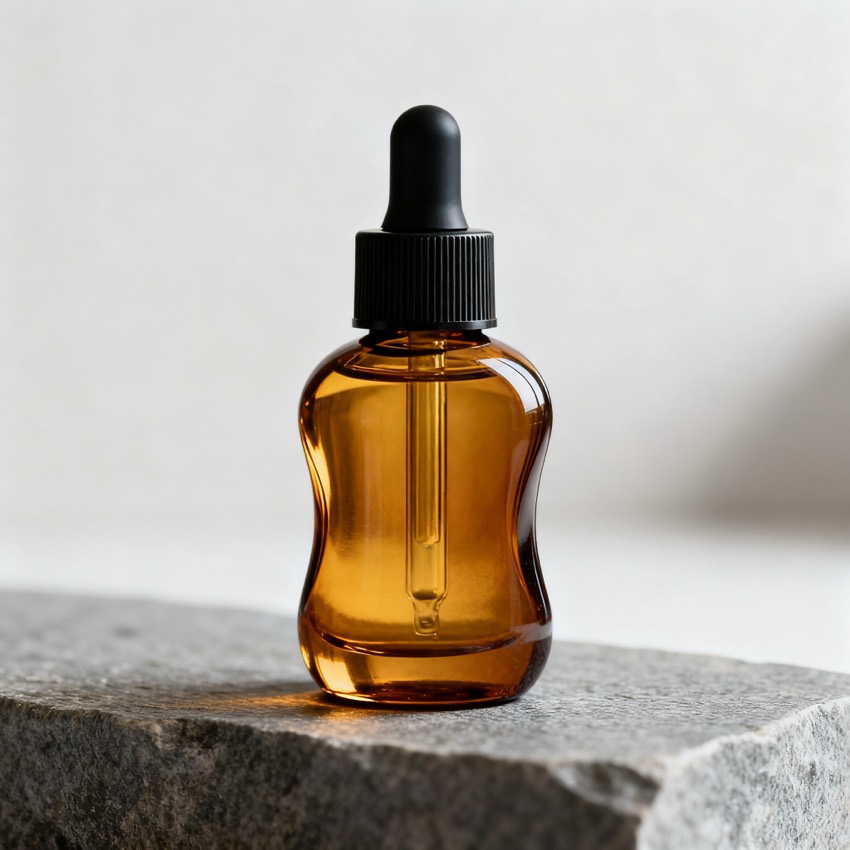
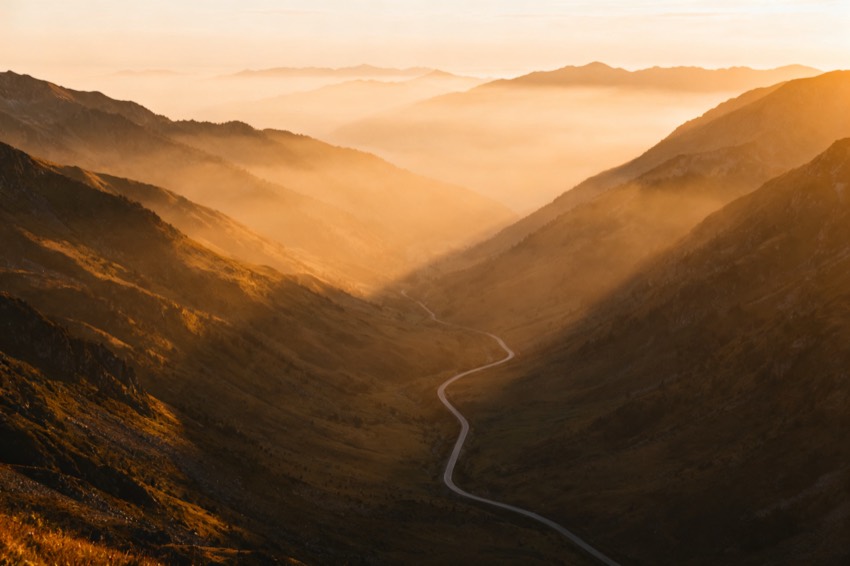
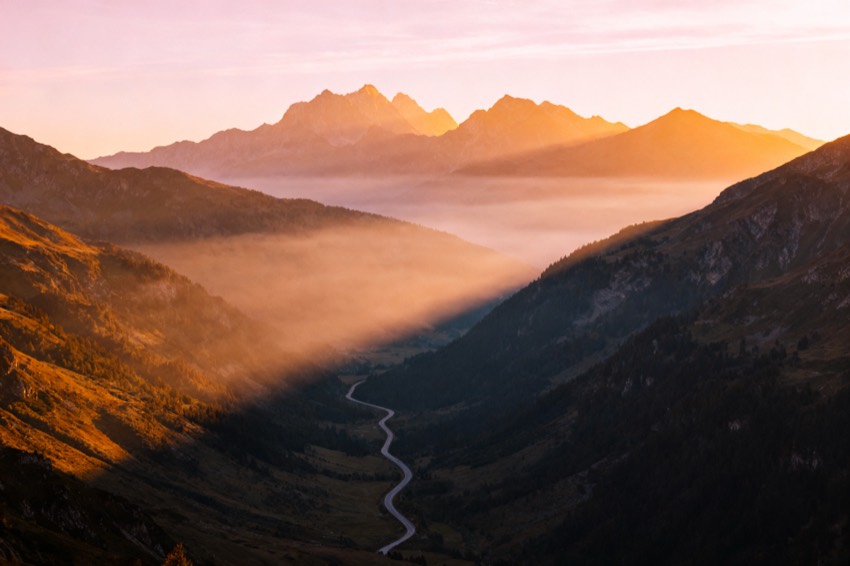
Prompt library
Steal from a gallery of working prompts.
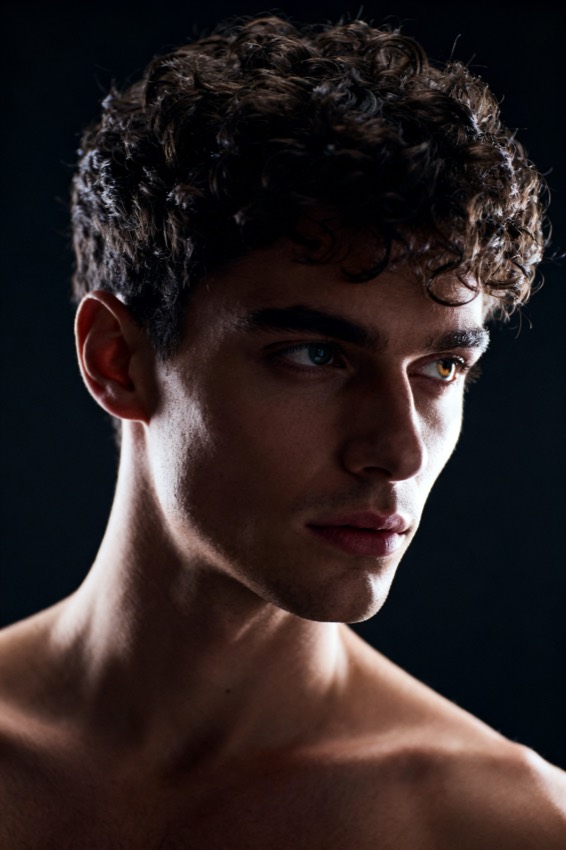
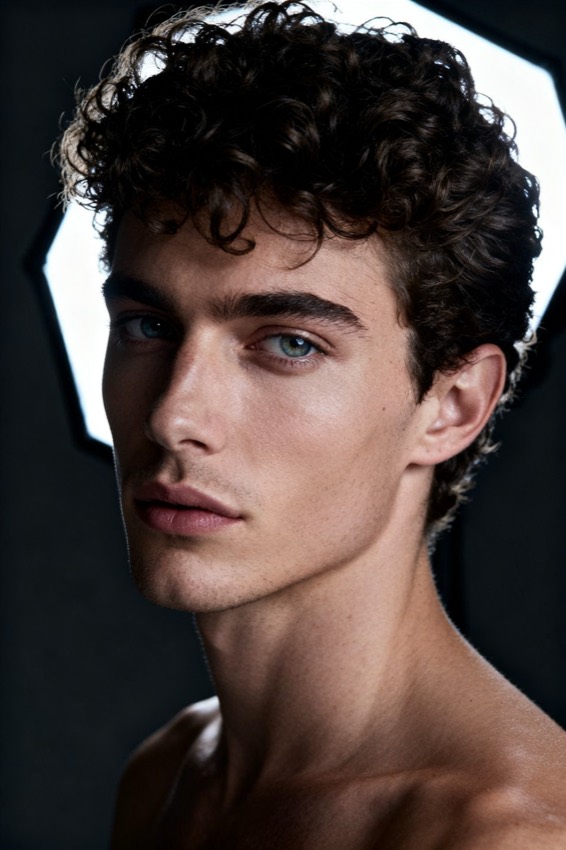
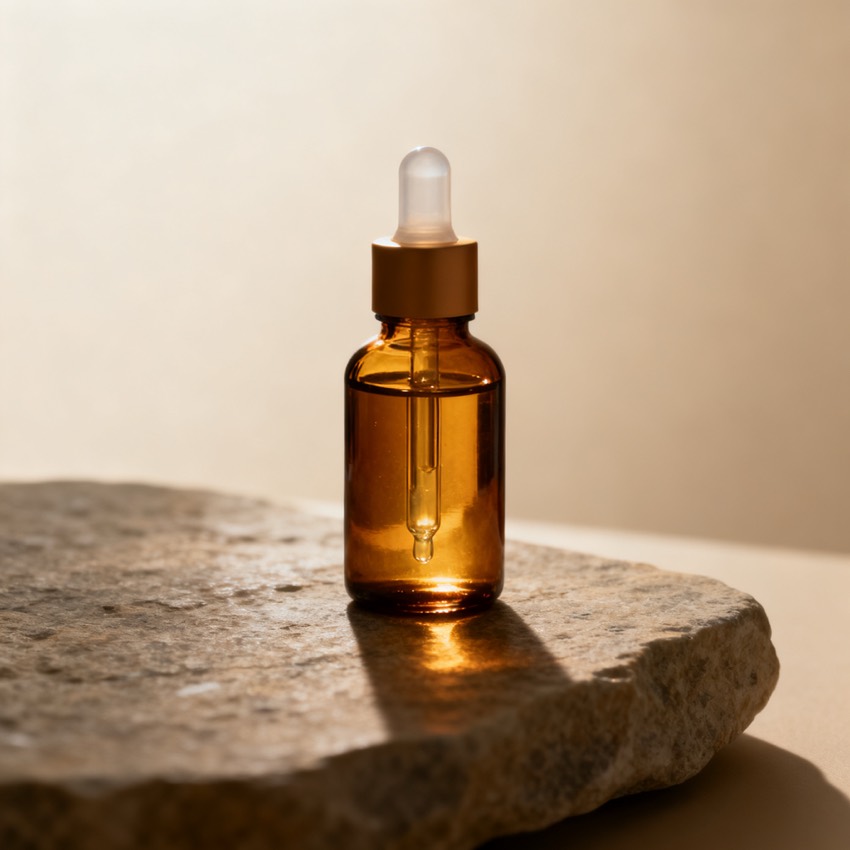
Browse by look, model and subject. Tap any image to load its prompt into the workbench.
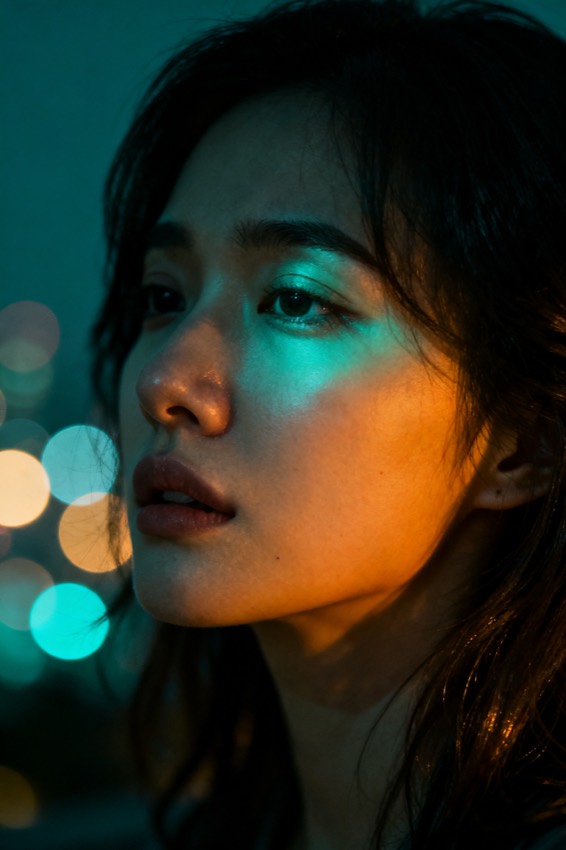
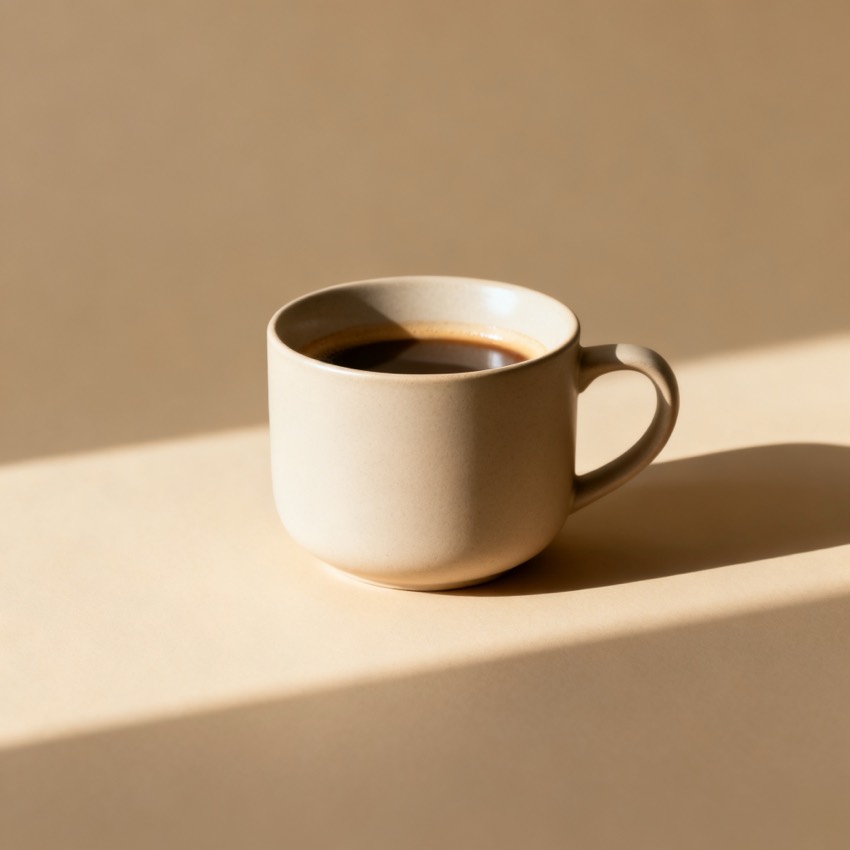
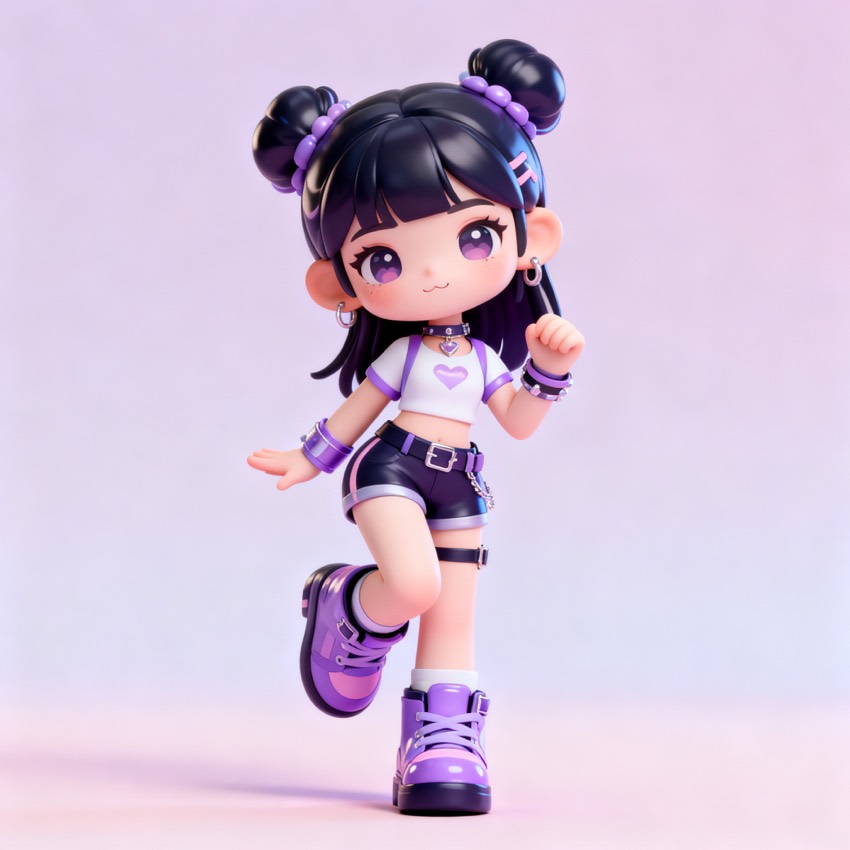
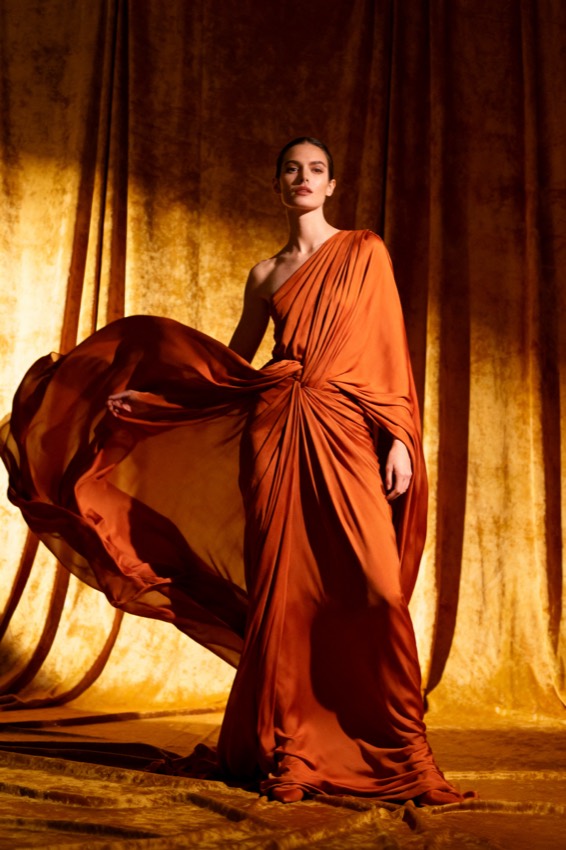
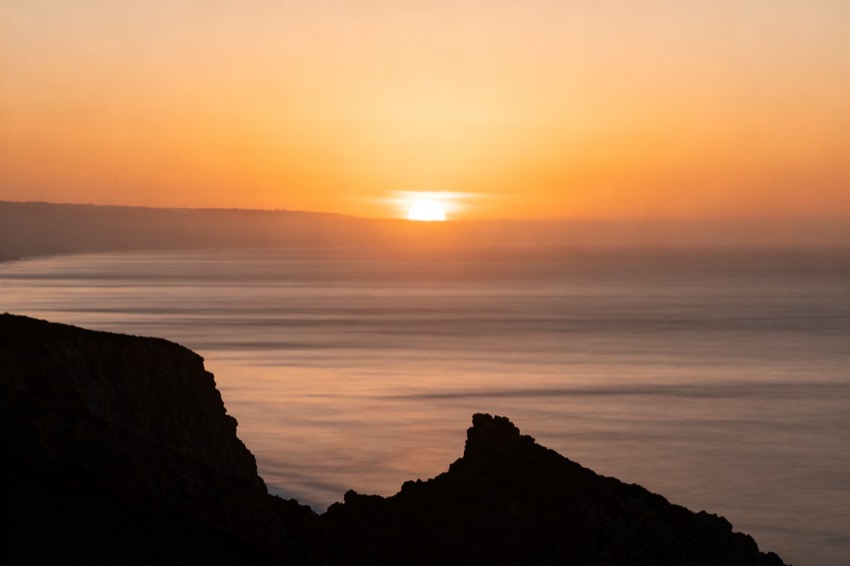
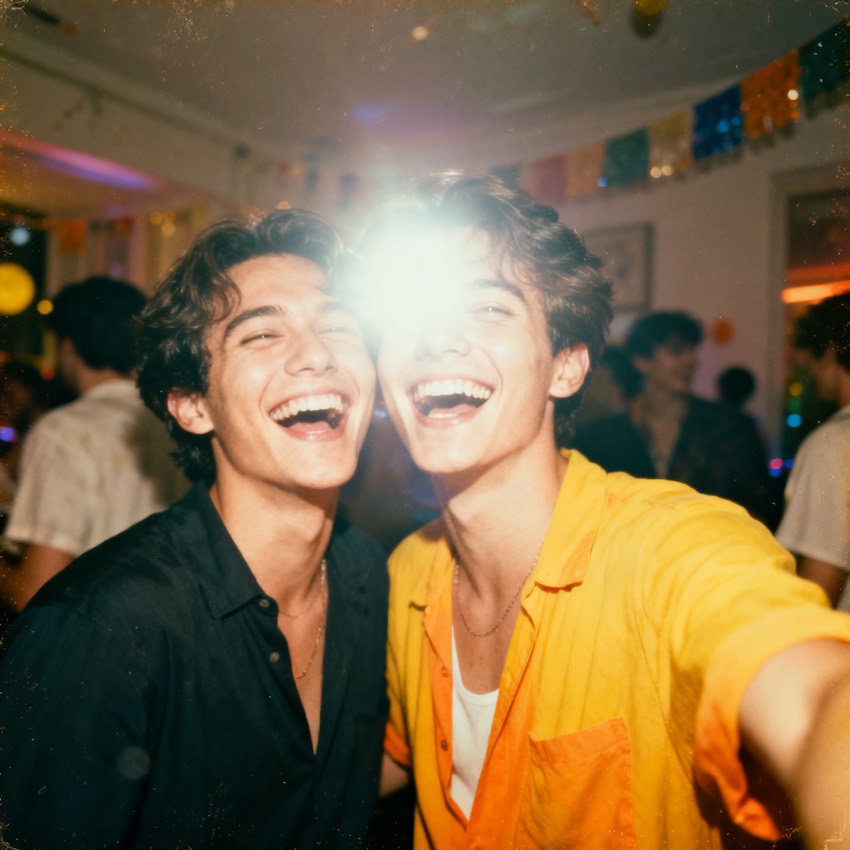
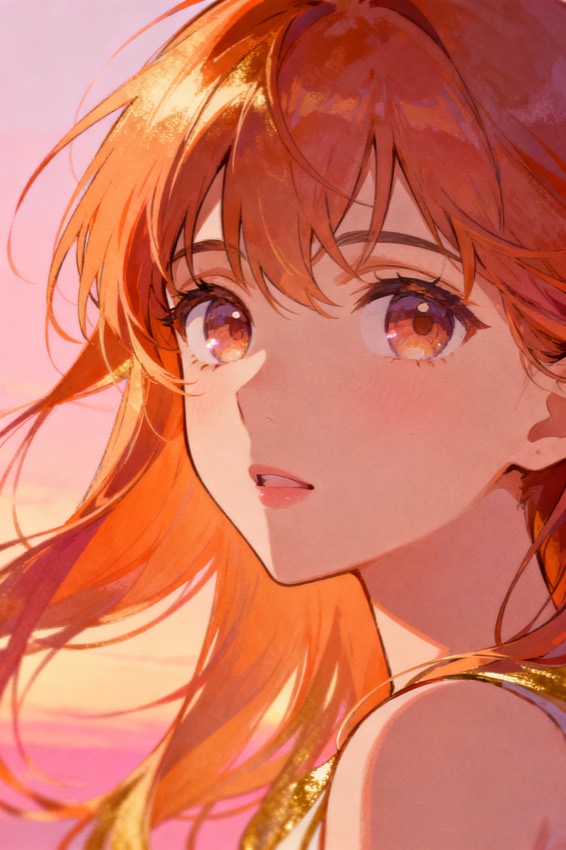
From photo to AI prompt
What is photo to prompt?
It turns a real photograph — a portrait, a product, a scene — into a copy-paste AI prompt that recreates its style, lighting, and composition.
Real photos are dense with signal: the focal length, the direction of the light, the colour grade, the framing. A good photo tool reads all of that and writes it back as a prompt your model can follow. Upload the picture and PixToPrompt names the subject, then captures the lens, lighting, palette, mood, and the negatives to avoid — the levers that make a recreation feel like the original rather than a vague lookalike. You get editable fields plus one prompt, and a before/after recreation that proves the match.
How it works
Turn a photo into a prompt in three steps
- 1
Upload your photo
Drop in a PNG, JPG, or WebP photo, or paste an image URL. A portrait, a product shot, or a landscape all work — no sign-up is needed to read the resulting prompt.
- 2
Read the picture-to-prompt breakdown
The tool reads the photo and writes the subject, composition, lighting, colour, camera and lens, style, and negatives into editable fields, then assembles them into one copy-paste prompt.
- 3
Copy it, or recreate to verify
Copy the prompt into any model, or generate the image here first — the recreation shows side by side with your photo so you can confirm the style and lighting match.
What it captures
The levers a good photo prompt has to nail
A good photo prompt is not just the subject — it is everything that made the original look the way it does.
- Lighting & direction
- Soft window light, a hard rim, golden backlight — the tool reads the setup and writes it so the recreation carries the same mood as the photo.
- Camera & lens
- It infers focal length and depth of field — an 85mm portrait look or a 24mm wide scene — so the perspective and bokeh of the photo come through.
- Composition
- Framing, angle, and where the subject sits in the frame are captured as fields, keeping the structure of the original photo intact in the prompt.
- Colour & grade
- The palette and colour grade — muted earth tones, warm vintage film, clean studio neutrals — get named so the recreation reads on-brand, not generic.
- Negatives to avoid
- The prompt includes the things to suppress, like blur, extra fingers, or harsh shadows, so the picture-to-prompt result stays clean across models.
Pick the right page
Photo to prompt vs. other tools
This tool is tuned for real photographs you want to recreate. For renders, screenshots, or any image in general, the broader image to prompt tool and image describer covers the same job, while the describer instead writes a plain-language description for alt text and cataloguing rather than a model prompt. Whichever you start with, the same photo powers all three.
FAQ
Questions, answered
- What does photo to prompt do?
- It reads a real photo and writes the AI prompt that recreates it — capturing the style, lighting, camera, and composition as editable fields plus one copy-paste prompt for any model.
- Is it free?
- Yes. Turning a photo into a prompt and reading it is free with no sign-up. A free account with starter credits is only needed if you want to recreate the photo here to check the match.
- What kinds of photos work?
- Portraits, product shots, landscapes, interiors, and street scenes all work. Clear, well-lit photos give the cleanest picture-to-prompt result, but the tool handles casual phone shots too.
- Will it keep a person's likeness?
- The prompt describes the look and lighting rather than copying a face. To preserve likeness, use the prompt with an editing-style model like Gemini / Nano Banana that edits your original photo directly.
- Which models can I use the photo prompt with?
- Midjourney, Flux, Stable Diffusion, DALL·E, Gemini / Nano Banana, and ChatGPT. Switch the model tab and the same photo analysis is reformatted into that model's syntax instantly.
- Do you store the photos I upload?
- No. Photos are processed only to build your prompt, then deleted automatically. They are never kept afterwards or used to train any model — your upload stays yours.