Free image describer · no sign-up
Describe any image in seconds
Upload an image and get a clear, detailed description — or a ready-to-use prompt for any AI model.
Free & instant — no sign-up to get prompts
The workbench
Upload once. Get every model's version.
One analysis, formatted for the model you actually use — copy it, or generate the image right here.
Your image
Or try one
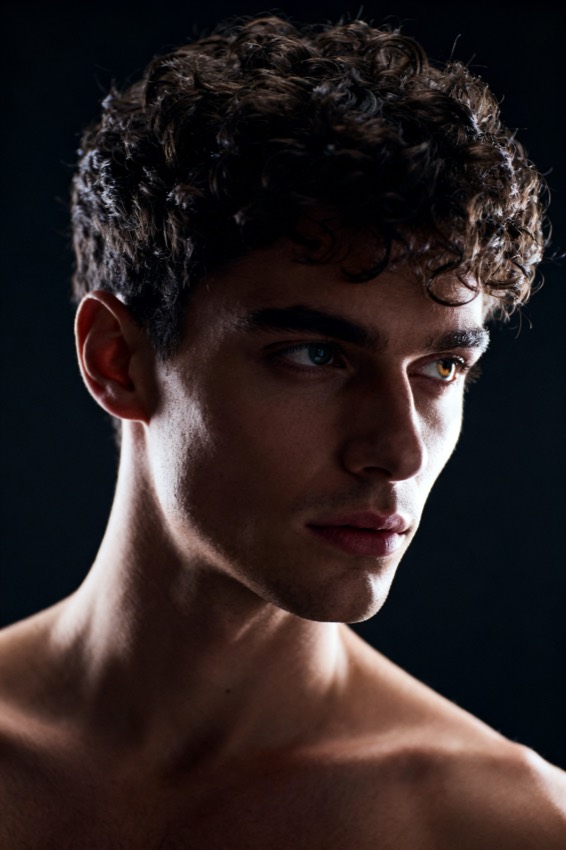
A cinematic studio portrait of a man with textured curly hair, photographed from the waist up against a deep charcoal background. A dramatic rim light traces the edge of his face and shoulders while a soft key light shapes the front, giving the muted, moody tones a polished editorial feel and a shallow depth of field that keeps the focus firmly on his expression.
Subject
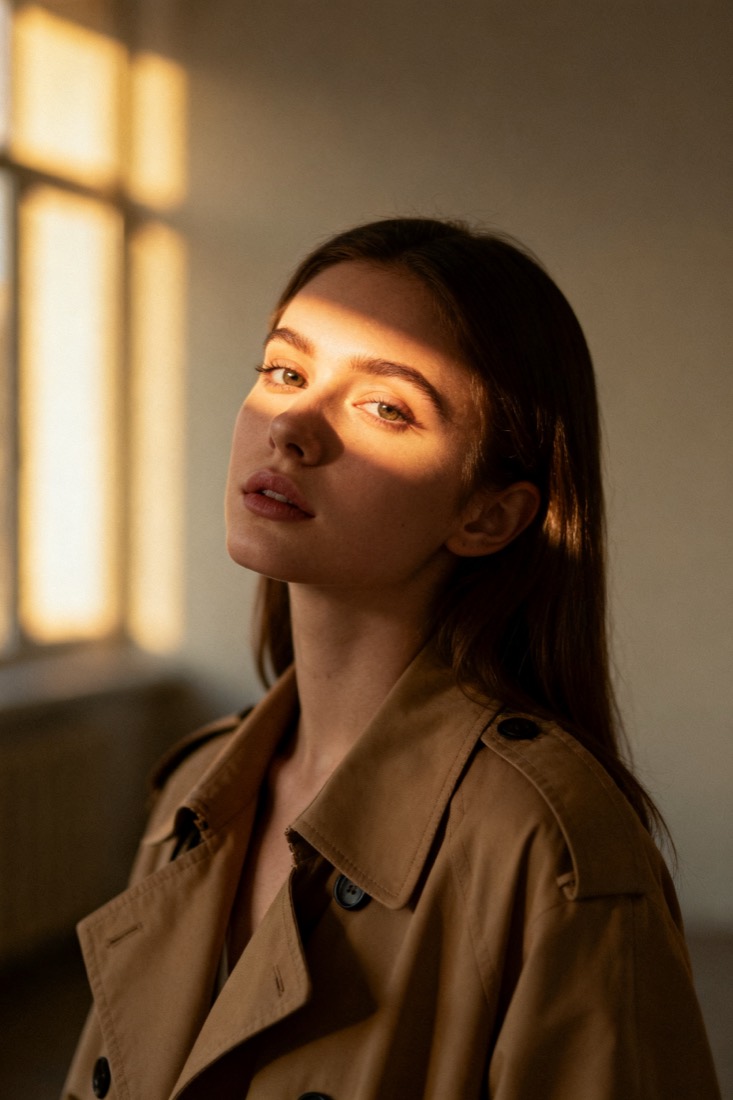
woman, beige trench coat
Composition
waist-up, centered
Lighting
soft window light
Style
cinematic, muted
Camera
85mm, f/1.8
Negative
blur, extra fingers
Proof
The prompt rebuilds your image.
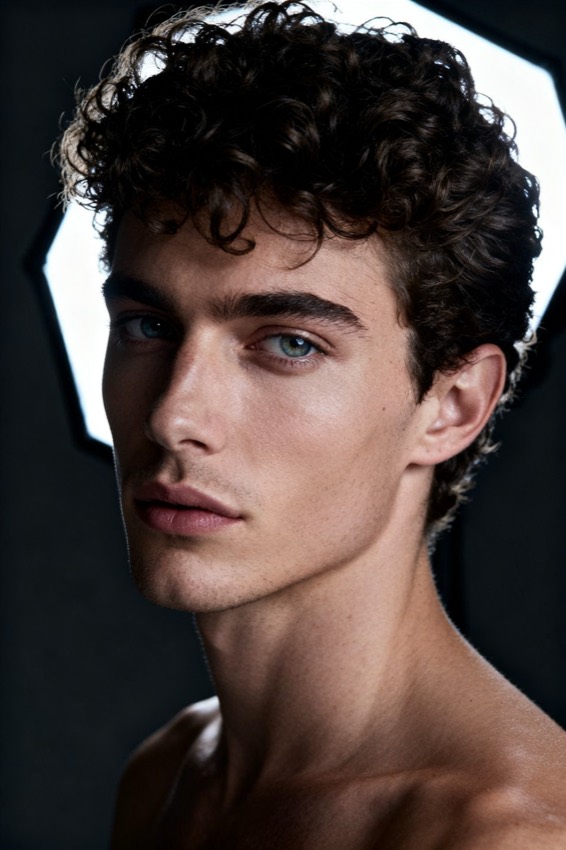
Every prompt comes with a recreation, side by side with your original — so you know it works before you use it.
Prompt library
Steal from a gallery of working prompts.
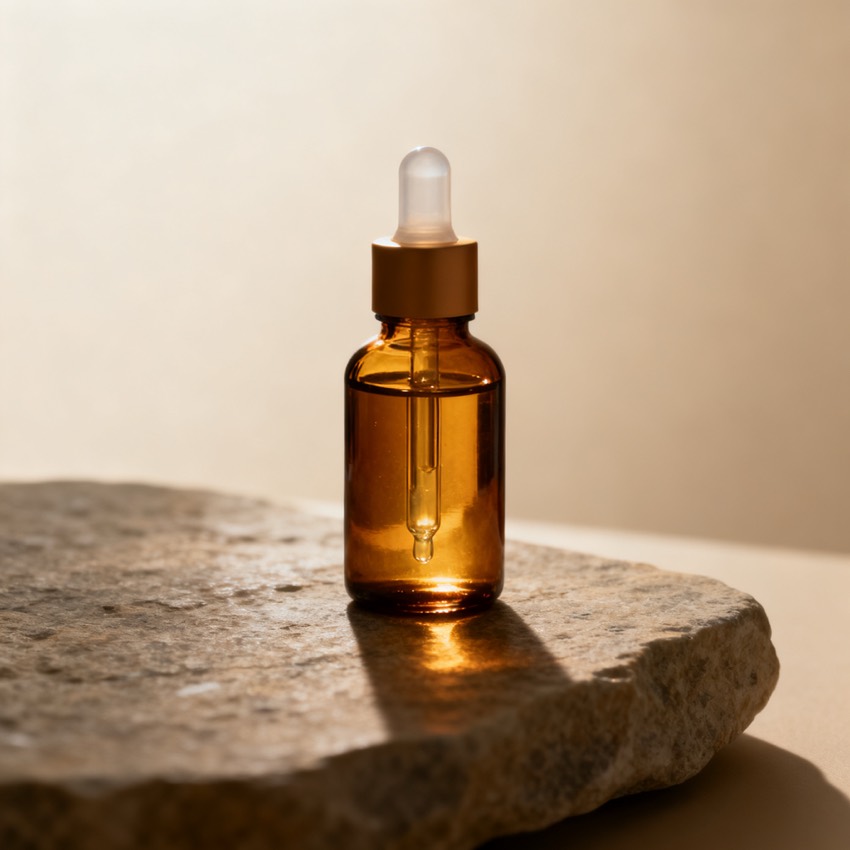
Browse by look, model and subject. Tap any image to load its prompt into the workbench.

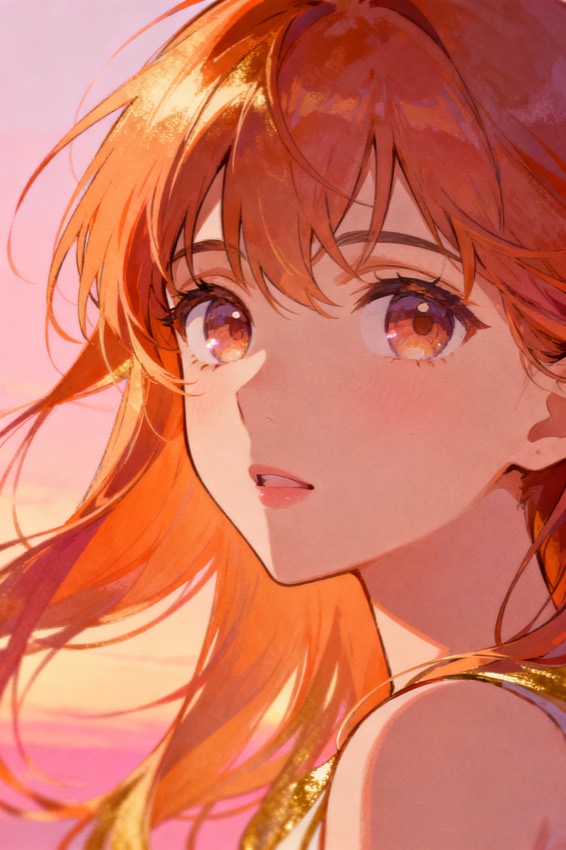

Plain-language descriptions
What is an image describer?
An image describer reads a picture and writes what is in it — a clear sentence or two you can drop into alt text, a caption, or a content catalogue.
It is the accessibility-first cousin of a prompt tool: instead of model syntax, it returns plain language. Upload a photo, render, or screenshot and PixToPrompt writes an objective description of the subject, setting, colours, and mood — the kind of sentence a careful human would type into an alt attribute. It is built for people who need to describe an image quickly: writers captioning a post, teams cataloguing a media library, and developers shipping WCAG-compliant alt text without staring at every file.
How it works
Describe an image in three steps
- 1
Upload your image
Drop in a PNG, JPG, or WebP, or paste an image URL. No account and no sign-up are needed to read a description — the analysis starts as soon as the upload lands.
- 2
Read the description
In a few seconds you get an objective, alt-text-style image description: the main subject, the setting, notable colours, lighting, and mood, written in clean plain language you can use as-is.
- 3
Copy it, or switch to a prompt
Copy the description straight into your CMS, alt field, or catalogue. Prefer a model-ready version instead? Switch modes and the same upload becomes a copy-paste prompt — no re-upload.
Where it helps
What people use an image describer for
One upload, plenty of jobs. The same image description serves accessibility, search, and review workflows.
- Alt text & web accessibility
- Generate WCAG-friendly alt text for photos, product shots, and graphics so screen-reader users and search crawlers both understand the image.
- Content cataloguing & DAM
- Tag and describe large media libraries at speed, giving every asset a searchable, human-readable image description inside your digital asset manager.
- Moderation & review
- Get a fast, neutral summary of what a picture actually shows, so reviewers can triage uploads without opening every file at full size.
- Studying a scene
- Break down a complex photograph or artwork to learn how its subject, composition, and lighting fit together before you try to recreate it.
- Writing captions
- Turn a description into a starting caption for social, a newsletter, or a product page, then edit the tone to match your brand voice.
Description vs. prompt
Image describer vs. prompt tools
An image describer answers the question what is in this picture, in plain English. If you instead want the exact words to recreate or remix a picture in an AI model, use the image to prompt tool and AI image prompt generator, which return a structured, model-ready prompt rather than a description. Same upload, different output — start with whichever you need and switch modes any time without re-uploading.
FAQ
Image describer questions, answered
- Is it free?
- Yes. Reading an image description is completely free with no sign-up — describe as many images as you like. You only need a free account if you later switch to generating images, which runs on GPUs.
- How accurate is the description?
- It reliably names the main subject, setting, colours, and mood, and is well suited to alt text and cataloguing. For anything legal or safety-critical, give it a quick human read before you publish.
- What languages does it support?
- The describer reads any image regardless of origin and writes the description in clear English. You can edit the wording afterwards or translate it into the language your audience needs.
- Can I also get a prompt, not just a description?
- Yes. The same upload powers both modes — switch from describe to prompt and you get a copy-paste, model-ready prompt for Midjourney, Flux, Gemini, DALL·E, and more, with no second upload.
- Do you store my images?
- No. Uploaded images are processed to build your description and then deleted automatically. They are never used to train models or kept after your description is generated.
- What image formats can I describe?
- PNG, JPG, and WebP files up to 10MB, or an image URL. Screenshots, photos, product shots, and renders all work — anything you can upload, the image describer can describe.